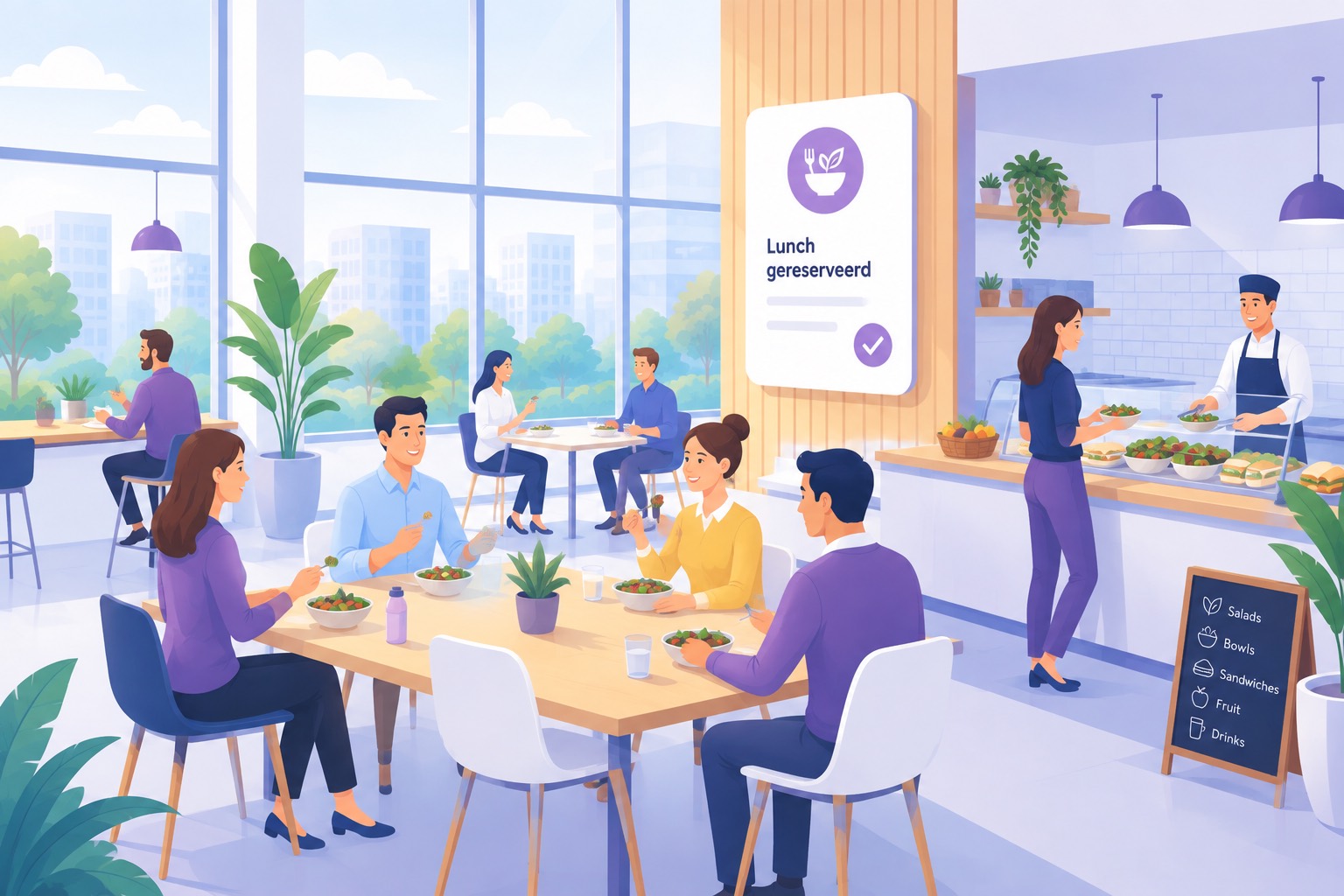
The kitchen orders based on an estimate, and since hybrid working that estimate is different every day. With AppjePlekje your colleague adds lunch to the day they are booking anyway, picks a time slot and passes on their preference. The caterer receives the list automatically, well before they have to place their order.




When everyone still came in five days a week, lunch was a fixed number. Now one Tuesday is twice as busy as the next, and on Monday the kitchen has to decide what to buy for Thursday. That can go wrong both ways, and both cost money.
Anyone who estimates too low has nothing left at a quarter past twelve, and eighty colleagues notice at the same time. So everyone errs on the safe side, and that is exactly why there is consistently too much.
You do not keep fresh lunch until tomorrow. Too much every day means throwing food away every day, and over a year that adds up to an amount nobody sees on an invoice because it is spread across the whole budget line.
A colleague who eats gluten-free emails the facilities team, a vegetarian guest is mentioned in the calendar invite and the rest is sorted out at the front desk. When it gets busy one request always gets lost, and that person ends up walking back on an empty stomach.
For your colleague it is one tick and one choice. Everything after that happens without anyone having to pass anything on.
When booking the day, lunch appears as an option on the same screen. So it is there exactly when your colleague is thinking about that day anyway, and not half an hour later in another system they never return to.
They pick a time slot from the times you have set, optionally choose from the extras you offer, and type in their dietary preference. For a meeting they enter how many people the lunch is for, so the whole table is arranged in one go.
At the time you set, an export goes to the people who need it, with the numbers per time slot and the preferences included. Nobody has to open the app to know what needs to be ready that day.
You turn lunch on per location, at the desks or meeting rooms it belongs to. That decides in one go who gets to see it, because the group access of that spot also applies to lunch.
First, whether there is lunch at this location at all. If it is on, you choose whether colleagues may pass on a preference and which extras they can choose. Those extras are your own list, so the options match exactly what your office offers.
You also set the time slots at which people can eat, with a number of places per slot. That number is the real limit. If a slot is full, it can no longer be chosen and your colleague moves to another time.
Finally, the deadline, a time and optionally a fixed weekday after which lunch can no longer be changed. That is the moment the number for the kitchen is fixed, separate from the deadline that applies to the booking itself.
At most locations the people from the desks and the people from the meeting rooms eat in the same canteen. That is why the lunch slots of a location can be shared, after which they add up to the same capacity per slot, regardless of which room people signed up from.
That is the difference between a system that understands the canteen and a system that counts per room. In the second case nothing is ever full on paper, while in practice there is a queue at twelve o'clock.
If you have several buildings or offices, each location keeps its own times and its own numbers. What you set in Amsterdam does not quietly apply in Rotterdam as well.
A canteen is usually not too small, it is too full at one particular moment. Time slots with their own capacity turn that one moment into two or three, without you having to impose a time on anyone.
You set the times at which people normally eat, for example twelve o'clock and half past twelve. Your colleague chooses from those, and as long as there is room, all they see of the whole system is a choice between two buttons.
You also set overflow times, for example one o'clock. These only appear when there is no more room at the usual times. That way the choice stays simple on quiet days and the extra room only shows up on the days it is needed.
If everything is full, that is visible at the moment of booking instead of in the queue at the counter. Your colleague then knows to bring something themselves that day, and the kitchen is not faced with a number it cannot cater for.
For a meeting the number entered counts towards the slot, so a session with twelve participants also takes twelve places. That way individual sign-ups and group tables stay in step.
A number alone is not enough for a kitchen. What someone cannot eat and who joins from outside belong on the same line.
A preference is free text, because reality does not fit in a dropdown. Gluten free, no nuts, vegetarian or halal. Your colleague writes it down and it reaches the kitchen exactly like that, linked to the day and the time slot they will be there.
The extras are a list, and you put it together yourself. Think of a sandwich, soup, a salad or a second drink, depending on what can be arranged at your office.
Because the preference is attached to the booking and not to an email, nobody has to pass it on again every week, and it does not get lost when the person who always arranged it is on holiday.
When registering a guest, the host can add a lunch preference straight away. It adds to the numbers for that day and ends up in the same export, so the kitchen does not have to look anywhere else to know that three guests are joining.
That is usually the part that is handled worst today. Colleagues who cook for themselves or bring their own food are flexible, but a guest sitting at an empty table at half past twelve is a problem you notice.
In the visitor analytics you can see afterwards how many visits included lunch, how they were spread over the time slots and how many came with a dietary preference.
A list someone has to fetch gets forgotten. That is why the export is a standing arrangement. It goes out at a fixed time to fixed recipients, even when nobody thought about it that day.
For each export you choose what to include, just the lunches or also the guests, the bookings, the desks, the parking spaces, the meetings or the expense claims. For the kitchen you usually choose the lunches and the guests and nothing else.
If you work with several offices, you limit the export to the locations that belong to that caterer. Each kitchen then only sees its own building.
Daily or monthly, at the hour and minute you choose, and optionally only on working days. For a kitchen you usually set it early in the morning, just after the deadline, when nothing can change any more.
In addition to the fixed recipients you can add extra addresses. That way the supplier receives it directly and the facilities colleague keeps a copy, without a middleman.
Catering is a separate role in the app, with a deliberately narrow scope that covers only the exports. No user management, no settings, no spot management and no insight into who sits where.
That lets you give someone from the kitchen or your catering partner access without giving them an admin account. That is exactly where integrations like this usually get stuck.
The export tells you what needs to be ready tomorrow. The dashboard tells you what to do with your catering contract, because that is where you see the pattern behind those daily numbers.
Admins get a dashboard per location covering the last 30 days, 90 days or a year, alongside the change compared with the previous period of the same length. The figure that matters for the canteen is the average number of people present per working day, alongside the peak of the same period.
Occupancy per weekday shows that Tuesday is consistently twice as busy as Friday. That is the argument for buying differently per day instead of ordering the same every day and throwing away the surplus on Friday.
For lunch itself, the daily numbers from the export are your source. How many signed up per time slot, how many preferences came with them and how that develops over the weeks. If you keep those exports, within a quarter you have a series you can use to review a contract.
For visitors it is in the dashboard, with how many visits included lunch, the spread over the time slots and the number with a dietary preference. The dashboard only gets to see numbers, never who ate what.
The number of sandwiches follows from the number of people in the office, and you only know that once desks and visitors are in the same app. After that, lunch is just a tick.
How this works for desks